How Valuationz works
From a client financial package to a draft workbook your analyst reviews.
What is AI document intake for business valuations?
AI document intake for business valuations is the automated process of reading a client's financial documents — tax returns, QuickBooks exports and financial statements — and turning them into structured data inside a valuation workbook. Instead of an analyst re-keying line items from PDFs, the extraction step reads each value, normalizes account names, cross-checks totals against the source, and writes the result into the fields mapped for the firm. What comes out is a draft for review, not a finished valuation.
What is actuals-only extraction?
Actuals-only extraction writes a value into the workbook only when it can be traced to the source document. Projections and forecast columns a client supplies are not treated as historical figures, and fields that cannot be reconciled are left blank and flagged for analyst review rather than filled in. Extracted figures carry a reference to the source document line they were read from, calculated values show the inputs they were derived from, and exceptions are routed to analyst review.
What does onboarding involve?
Setup depends on your workbook and workflow. We review your model and confirm the configuration and onboarding timeline during your demo.
What is cap table extraction?
Cap table extraction reads the client's capitalization documents — a cap table export, option and warrant ledgers, and the charter — and writes share classes, share counts, original issue prices, liquidation preferences, seniority and option strikes into the workbook's capitalization inputs. Every share count is checked against the source document before it is written; a count that cannot be found verbatim is reported for review, not entered. The workbook's own fully diluted check runs against the client's stated total.
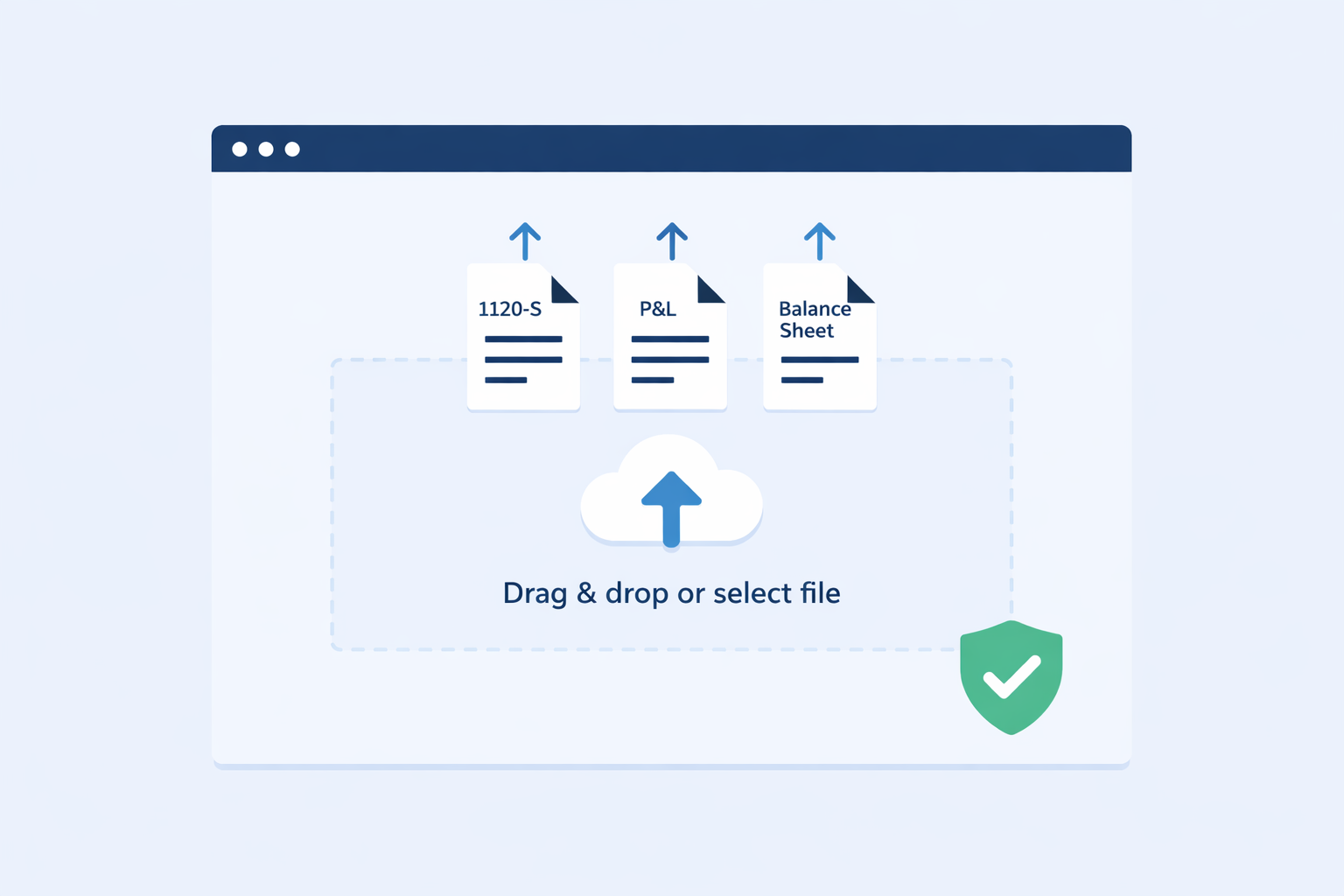
1. The client submits their financial package
Clients upload their documents through a structured intake flow rather than a chain of email attachments. Everything for an engagement stays organized by client and submission.
Clients can file supporting documents alongside the extracted set so nothing is lost — filing a document does not mean every field in it is extracted.
2. Supported documents are read and normalized
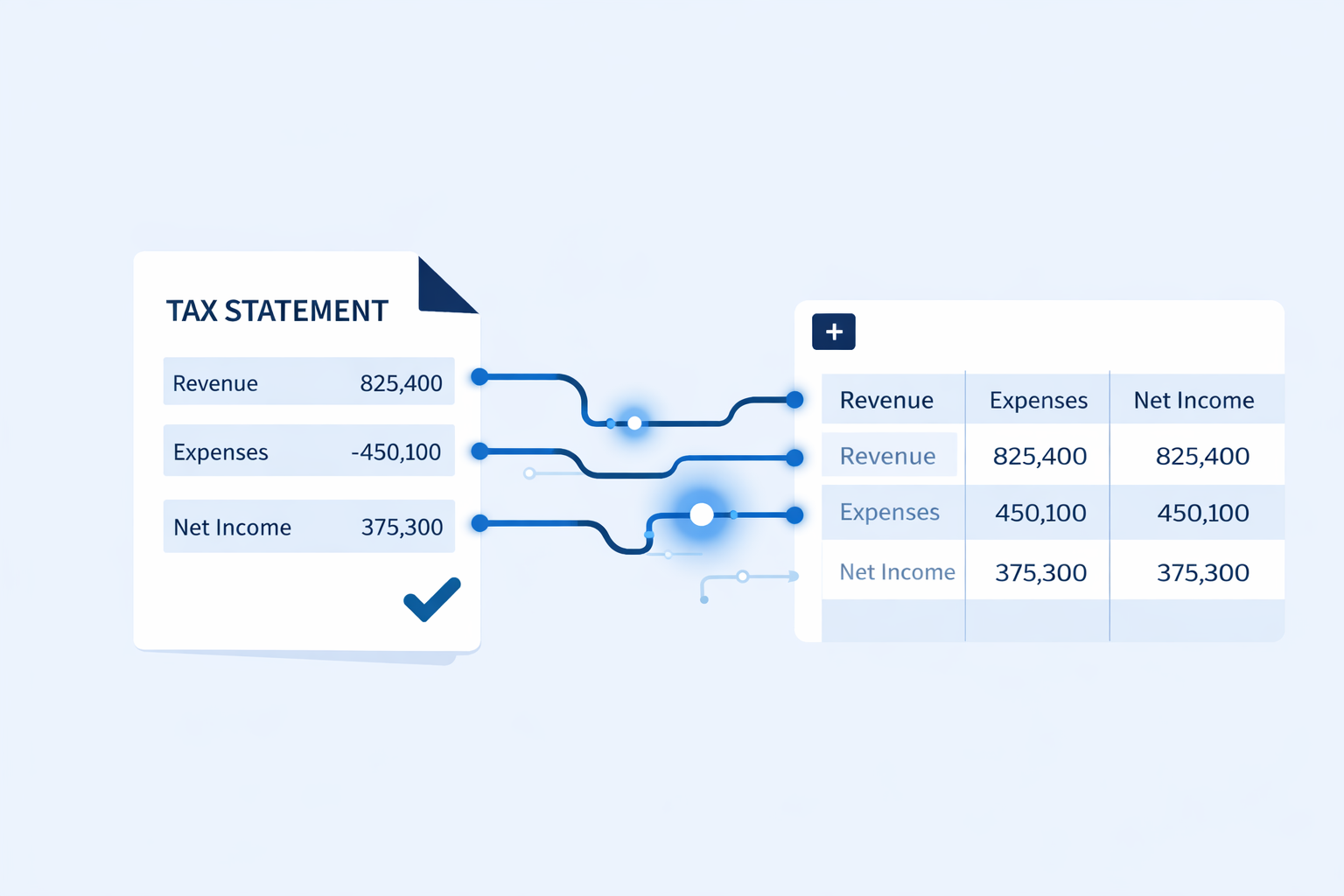
Line items are read from the supported document types, account names are normalized, and figures are cross-checked against the source before they are used.
Supported today: IRS Forms 1120-S, 1120 and 1065; QuickBooks profit and loss and balance sheet exports; Excel financial statements; and, for 409A engagements, cap table exports (Carta, Pulley or a spreadsheet), option and warrant ledgers, and the Articles or Certificate of Incorporation.
3. A draft workbook is populated
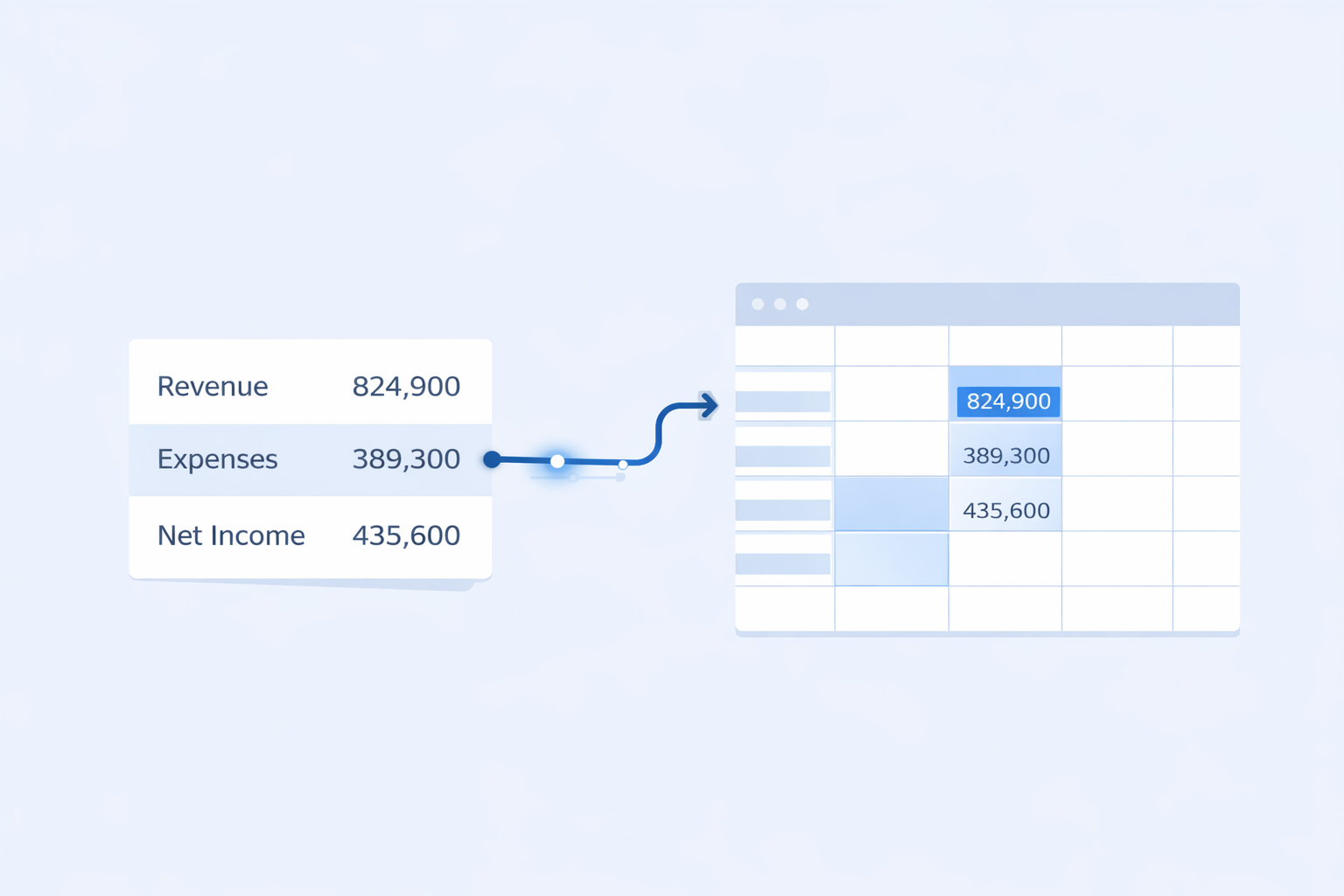
Extracted figures are written into the fields mapped for your firm during onboarding, producing a draft populated workbook. For supported and mapped templates, your existing workbook logic is preserved.
Model injection support today covers 409A workbooks: the income statement and balance sheet tabs, and the capitalization inputs — share classes and counts, original issue prices, liquidation preference, seniority, participation, and options and warrants grouped by strike price. Terms the documents do not state are flagged for the analyst rather than silently filled.
4. Your analyst reviews and concludes
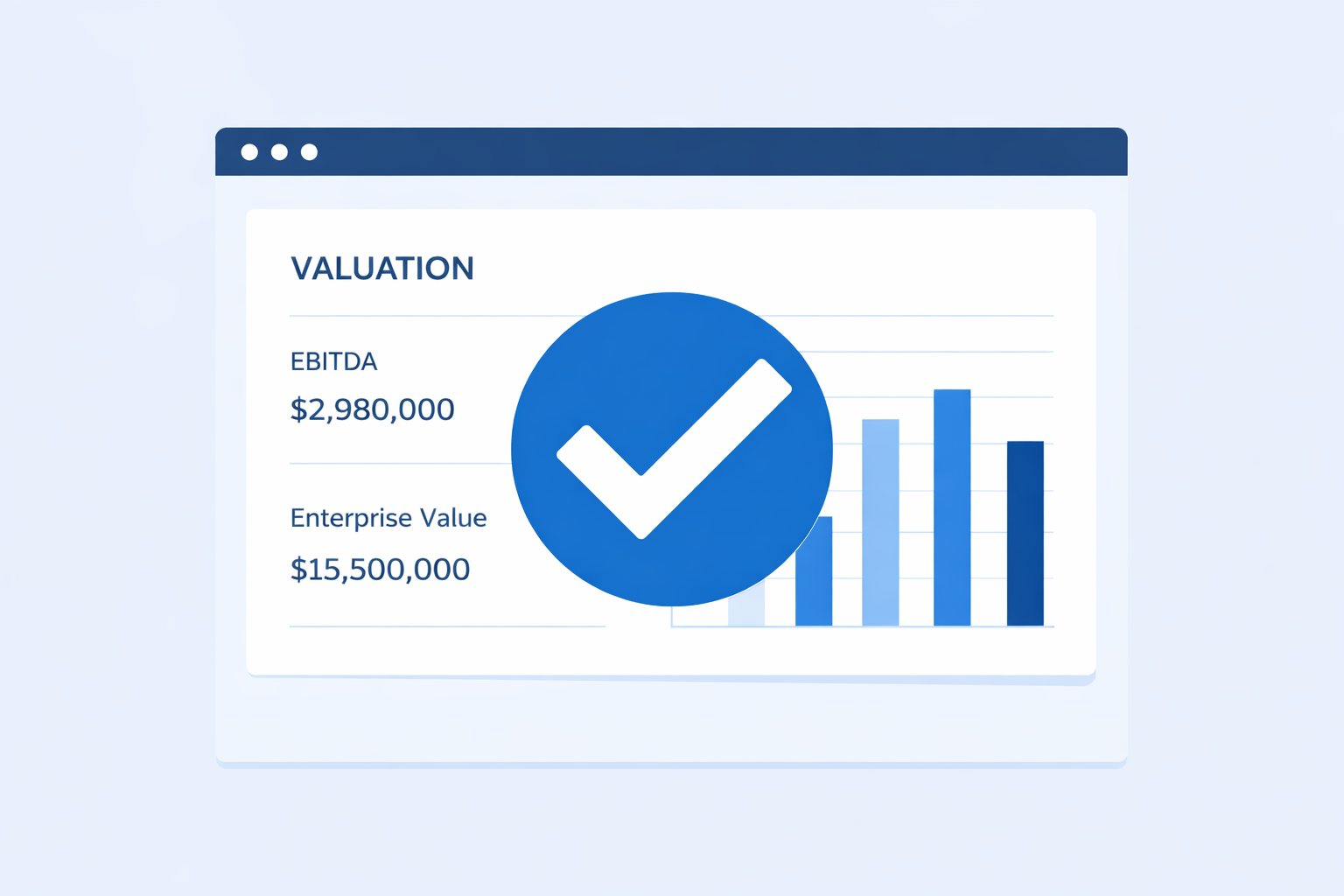
The draft workbook goes to your analyst with unreconciled fields left blank and flagged. They resolve the flags, apply their judgment, and deliver the opinion of value.
Professional conclusions stay with the analyst. Nothing is signed off by the system.
Runs on Azure
AI extraction
Document intelligence
Access controls
Details of how documents are processed, and our current assurance status, are on the security page.
Walk through it with your own model
Thirty minutes covers your workbook, your document types, and what onboarding would involve.
Book a 30-Minute Demo (opens in new tab)